A search for gopro gopro hero3 usually leads to an older GoPro HERO3 action camera. It can still be useful for daylight bike rides, simple travel clips, or learning the basics of video, provided the battery, buttons, and housing are in good condition. Its main limitations are age-related reliability and a feature set that feels basic beside more recent action cameras. If you already have one, try it before assuming you need an upgrade.
Know which HERO3 you have
The HERO3 came in White, Silver, and Black editions. They do not all offer the same recording options, so a listing that says only gopro gopro hero3 leaves an important question unanswered. Look for the edition on the camera or its packaging, and ask the seller for a clear photo of the label and the recording settings screen.
The Black edition was the higher-end option in the original range, with more ambitious video modes than its siblings. That does not automatically make a well-worn Black a better purchase than a clean Silver or White. For casual daytime footage, working controls and a sound battery may matter more than a setting you rarely use.
Also distinguish the HERO3 from the HERO3+. They are related but separate generations. Accessories and replacement parts are often advertised for several models at once, so check the exact compatibility rather than assuming every door, housing, or battery fits.
What the footage will look like
In good light, a gopro gopro hero3 can capture the lively, wide-angle perspective that made action cameras popular: handlebars in the foreground, a road stretching away, or waves breaking close to the lens. That wide view also makes distant subjects look smaller. Move closer when it is safe to do so, rather than expecting the camera to make a faraway subject prominent.
The lens has a characteristic curved look, especially near the edges of the frame. Straight lines can bow outward; this is wide-angle distortion, not necessarily damage. Some editing software can reduce it, although correction crops away part of the image.
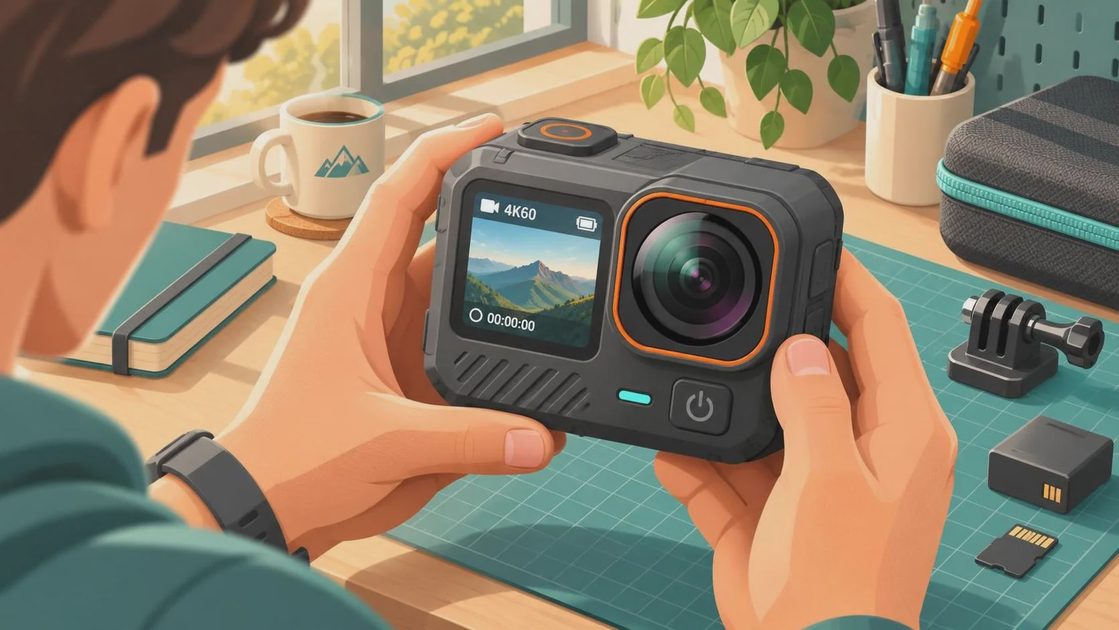
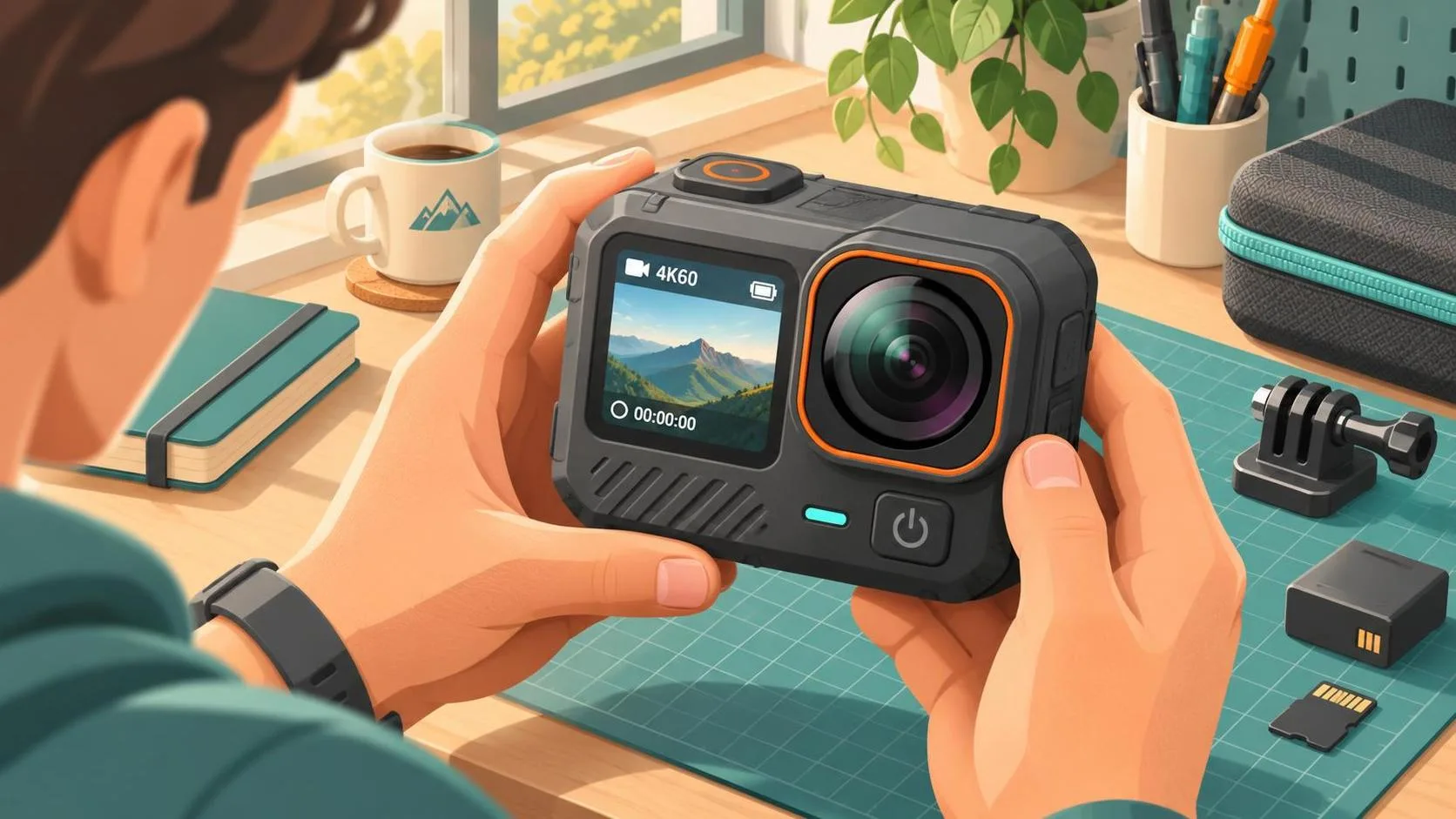
Dim interiors and evening scenes are a harder assignment. A small sensor has less light to work with, which can make footage grainier or movement less crisp. Mount the camera securely, find better light, and keep expectations modest. A phone may be the more practical choice for a dinner table or a dark room.
There is another difference worth understanding: do not expect the smooth, electronically stabilized footage associated with many later action cameras. A firm mount and gentle movements matter. On rough terrain, some shake is part of the recording, not a problem that higher resolution alone will fix.
Inspect a used camera before paying
With any gopro gopro hero3 listing, ask to see a short recording made by that exact camera. Ideally, the seller should show the camera starting up, changing settings, recording, and playing the file back. A camera that powers on is not necessarily a camera that writes reliable video.
Examine the lens cover for deep scratches, haze, or cracks. A mark near the center can show up in footage, particularly when bright light hits it. Check the battery compartment and contacts for corrosion, and try the buttons: an old camera with a sticky shutter button can be frustrating even if its image looks fine.
Battery age matters. A rechargeable cell loses capacity over time, so an original battery may run for much less time than it once did. Ask whether replacements are included and confirm that a compatible replacement is available before buying. Avoid swollen or damaged batteries, and recycle them through an appropriate battery collection program rather than putting them in household trash.
Finally, look at the included mounts and housing. Replacement accessories add to the real cost, and a bargain body without the parts you need may not be a bargain. Compare the total with a working newer used camera or the phone you already own.
Housing, cards, and connections
The camera needs its compatible waterproof housing for underwater use; do not treat the bare body as waterproof. Before taking a gopro gopro hero3 near water, inspect the housing for cracks and check that the seal is clean, seated correctly, and free of grit or hair. A damaged latch or seal is reason to replace the housing, not a detail to overlook.

For a housing of unknown history, a cautious dry test can help: close it without the camera inside, place a dry tissue inside, and submerge it in a container of water. Check for moisture afterward. A successful test is not a guarantee at depth or after an impact, so stay within the housing's marked limits and inspect it each time.
The HERO3 records to a microSD card. Use a card that meets the requirements for your particular edition and recording mode, and check the manual for supported capacities. Format the card in the camera after saving anything you need elsewhere; formatting erases the card. Record a short clip and play it back before a trip rather than discovering a card problem at the trailhead.
For transferring footage, a compatible card reader is often the simplest route: remove the card and copy its files to a computer. Older wireless features and companion-app compatibility can be less predictable on modern phones, so do not buy solely on the assumption that every original app feature will work today.
Settings that make an older camera easier to use
Start with a 1080p setting if your edition offers it, and choose a frame rate appropriate to what you are filming. Frame rate means the number of individual images recorded each second. A standard rate is a sensible starting point for ordinary clips; a higher rate can help with smoother slow motion, but available choices depend on the edition and resolution.
Use the rear screen or playback method available to you to check framing before an important shot. If you cannot monitor the image easily, shoot a short test, review it, and adjust the mount. Keep the lens clean, point the camera slightly away from direct sun when flare is distracting, and leave a little extra room around your subject for editing.
A gopro gopro hero3 is not a magic shortcut to polished footage, but it can be a useful little teaching tool. Learn its angle of view, give it enough light, and check that your files are recording. The best camera is the one you understand.