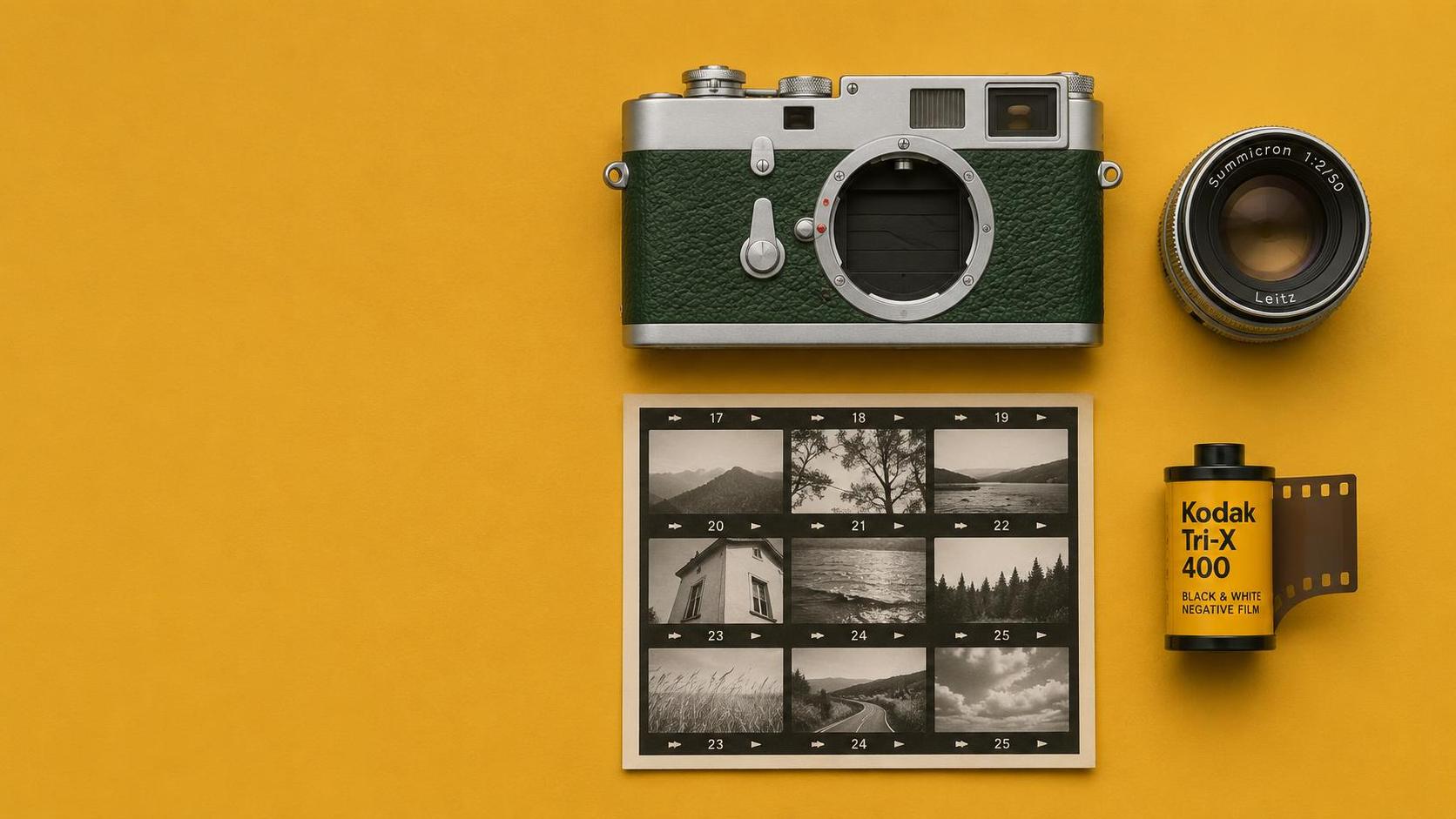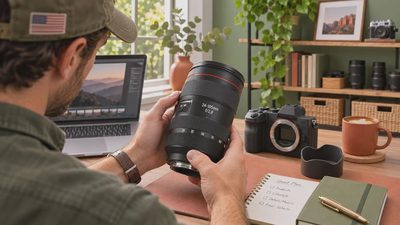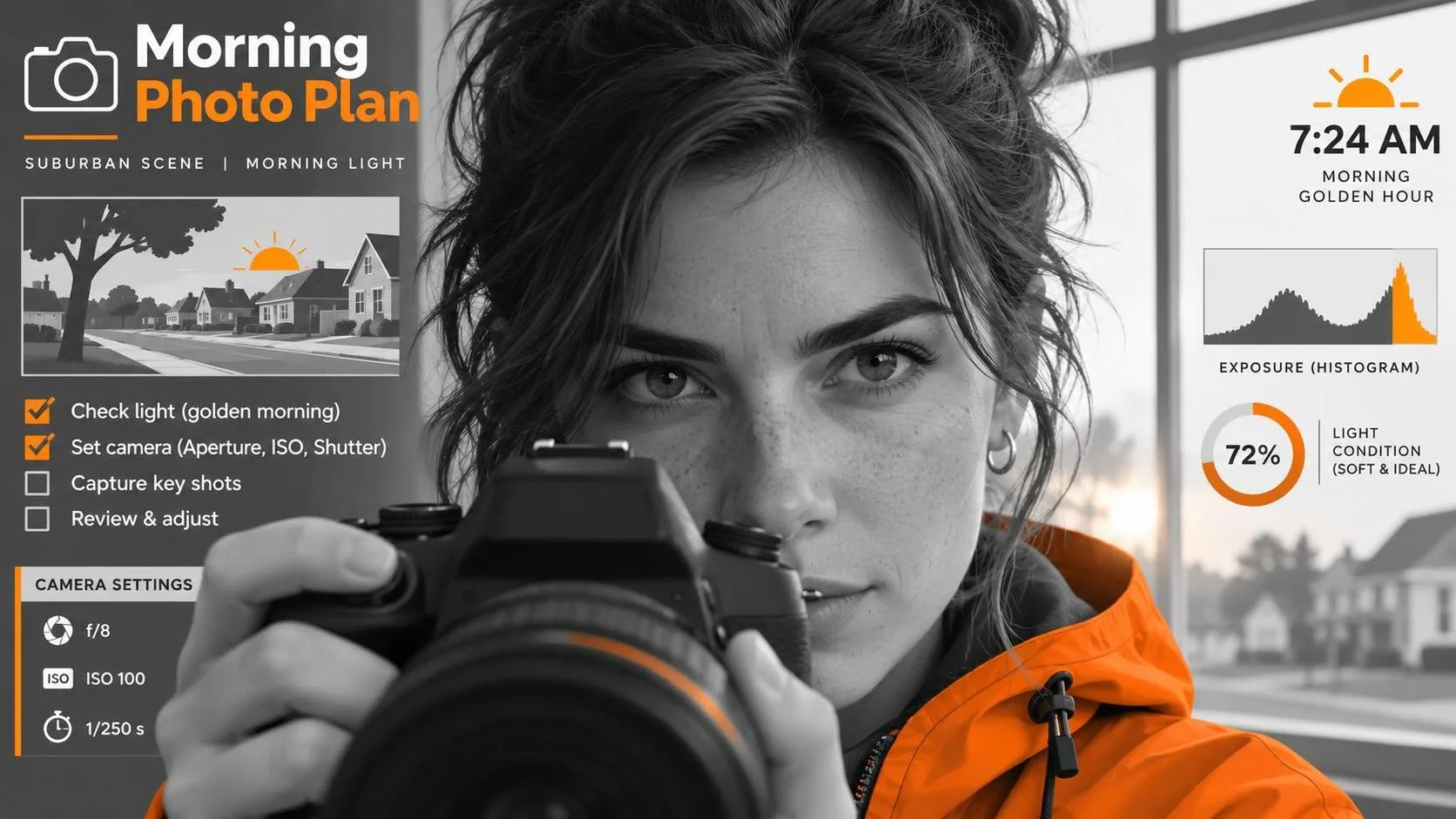
The canon rebel xti digital slr can still be a worthwhile learning camera if you find a working one at a sensible price. Its 10.1-megapixel sensor is enough for everyday photographs and modest prints, and its optical viewfinder and physical controls make it a straightforward way to learn exposure. The catch is its age: inspect the body carefully, budget for a battery and CompactFlash card if needed, and don't expect video or a live preview on the rear screen.
Who is this camera for?
The Rebel XTi, also sold as the EOS 400D in some markets, is a digital single-lens reflex camera, or DSLR. A mirror directs light from the lens into the viewfinder; when you take a picture, the mirror lifts and light reaches the sensor. What you see through the finder is an optical view, not an electronic simulation of your finished exposure.
I'd consider it for someone who wants an inexpensive introduction to interchangeable lenses and is happy to photograph through a viewfinder. It's especially appealing if you already have compatible Canon lenses. It is less convenient for someone accustomed to composing on a phone screen, transferring pictures wirelessly, or recording video.
The camera uses an APS-C sensor, a format smaller than a frame of 35mm film. That smaller sensor gives a narrower view with a given lens than a full-frame camera would. An 18mm lens on the XTi gives roughly the same angle of view as a 29mm lens on a full-frame camera. That comparison describes framing, not a change in the lens itself.
What the canon rebel xti digital slr can do well
Ten megapixels may sound small beside a modern phone's headline number, but resolution is only one part of a photograph. In good light, the XTi can make detailed images for online sharing and prints. A well-focused picture made with decent light will matter more than a much larger file with missed focus or motion blur.
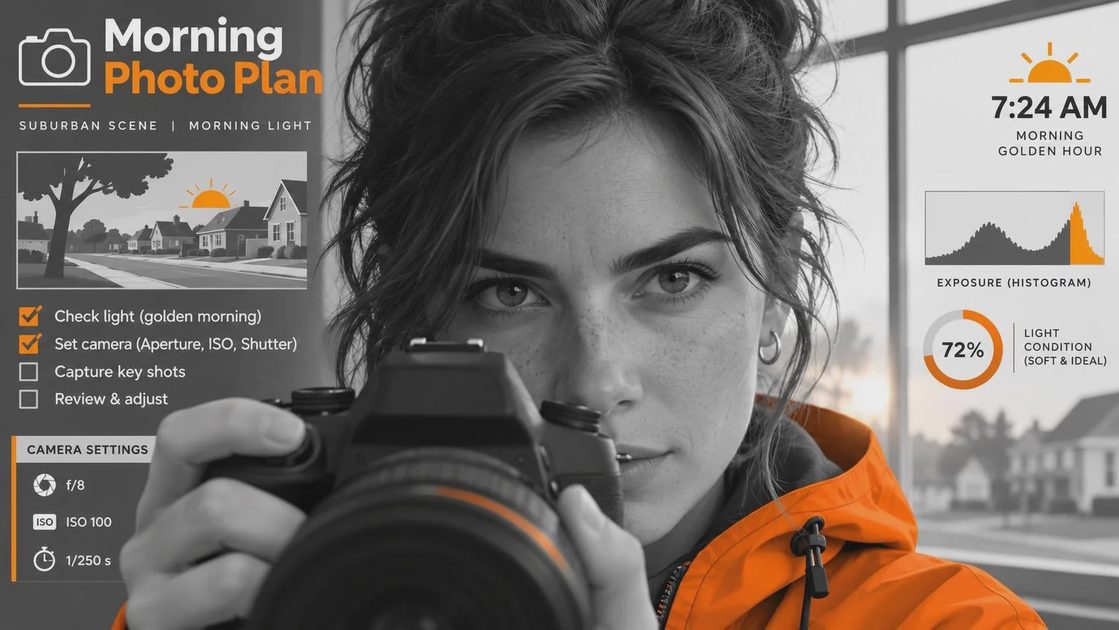
The camera can save JPEG files, which are processed in the camera and ready to share, or RAW files, which retain more image data for editing. RAW is useful when you want more flexibility adjusting brightness and white balance, the setting that controls the warmth or coolness of color. It is not a substitute for exposing carefully, particularly in dim light.
Older sensors generally show more visible noise, or grain-like variation, at high ISO settings. ISO controls how bright the recorded image appears for a given exposure. On this camera, raise it when you need a faster shutter speed to avoid blur, but don't expect the same low-light flexibility as a newer interchangeable-lens camera. A bright lens, steady support, or simply better light can make a meaningful difference.
Lenses, cards, and batteries
The XTi accepts Canon EF and EF-S lenses. EF-S lenses are designed for Canon's smaller-sensor DSLRs, while EF lenses also fit compatible full-frame Canon DSLRs. Canon RF and RF-S mirrorless lenses do not mount on this body. Before buying a third-party lens, confirm that its mount is made for Canon EF or EF-S cameras; a familiar brand name alone isn't enough.
A basic 18–55mm EF-S zoom is a practical place to start. It covers wider scenes at one end and a more natural-looking view at the other. If you photograph in dim rooms, a compatible 50mm lens with a wide maximum aperture can let in more light, although its relatively narrow view on this body may feel cramped indoors. Aperture is the adjustable opening in a lens; a lower f-number means a wider opening.
For storage, this camera uses CompactFlash cards, not the smaller SD cards common in many later cameras. Check the manual for card compatibility before buying, particularly if considering a high-capacity card. You'll also need a CompactFlash reader or another reliable way to transfer files to your computer.
The battery is the Canon NB-2LH type. Rechargeable batteries deteriorate with age, so a used camera's battery may no longer hold much charge. Factor a compatible replacement and charger into the total cost, and buy from a seller with a clear return policy.
How to inspect a used body
Ask the seller for recent photos of the actual camera and, ideally, a chance to test it with a lens and card. Turn it on, take several pictures, and review them on the rear screen. Check that the shutter fires, the controls respond, and the card door and battery compartment close securely. Look for corrosion in the battery compartment and damage around the lens mount.
Test autofocus by aiming at a clearly defined object in good light and half-pressing the shutter button. Autofocus is the system that moves the lens to bring a subject into focus. Then inspect the resulting image at magnification: a focus confirmation alone doesn't prove the picture is sharp. Try more than one distance, and remember that the lens as well as the body can be responsible for a problem.
To check for obvious sensor dust, photograph a plain, evenly lit wall or sky at a small aperture such as f/11, then look for dark spots in the image. A few dust spots aren't necessarily a deal-breaker; they may be cleanable. Scratches, corrosion, repeated errors, or a seller unwilling to demonstrate basic operation are more concerning. Avoid touching the sensor yourself during an inspection.
Before you commit
Compare the complete cost, not just the body price: lens, battery, charger, memory card, reader, shipping, and any return fees can add up. A cheap listing missing several essentials may not be the better deal. If you need video, screen-based composition, or easier low-light shooting, put that money toward a camera that offers those features instead.
But if this one fits your budget and passes inspection, there is no need to apologize for its age. Start with aperture priority mode, where you choose the lens opening and the camera selects a shutter speed, and practice watching how light changes the result. The best camera is the one you understand.