If you keep hearing about open gate and wondering whether it is just another camera feature made to sound important, you are not alone. In plain English, open gate means the camera records a larger slice of the sensor than the usual 16:9 video frame, so you have more room to crop later. That can be useful for vertical edits, square social posts, and reframing interviews after the fact. It is also one of those features that sounds magical until you see the real tradeoffs: bigger files, faster card use, and sometimes shorter record times.
What open gate actually records
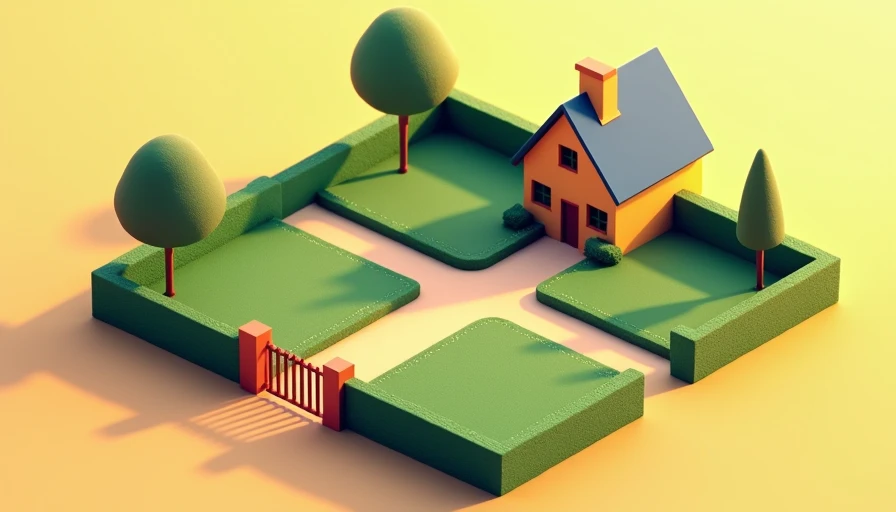
Most video modes only use part of the sensor. A normal 16:9 recording trims the top and bottom to match a widescreen delivery. With open gate, the camera captures a taller frame, often using the full 3:2 or 4:3 area of the sensor. That extra height is the whole point. It gives you room to make a clean 16:9 crop for YouTube, a 9:16 crop for Reels or TikTok, and even a 1:1 crop for a product post without shooting the scene three separate times.
The important thing is that open gate is about framing flexibility, not automatic image quality. It does not make a soft lens sharper, and it will not fix bad exposure. What it does give you is options in post. If your subject moves around a lot, that extra space can save a shot. If your composition is already locked to one final aspect ratio, the extra data may not buy you much.
I think of it the same way I think about shooting stills a little wider than you need. You are buying insurance against a mistake you cannot afford to make later.
Where it saves time in real projects
Open gate earns its keep when one clip has to serve more than one platform. A talking-head interview is the clearest example. If I am recording a founder, a therapist, or a designer in one sitting, I might need the same take for a website hero video, a LinkedIn cut, and a vertical teaser. With open gate, I can keep the subject centered, then build each version in the edit without asking the person to sit through three separate setups.
It also helps with lens choice. A 35mm lens in open gate often feels more adaptable than a 50mm locked into 16:9, because I can crop tighter later without feeling boxed in. That matters for weddings, behind-the-scenes work, and brand shoots where the client changes their mind after the fact. The extra frame can turn one usable take into three deliverables.
For solo shooters, this can be a real time saver. You are less likely to miss the shot because your framing was too tight for the second platform you had not planned for yet. That is why open gate tends to show up in conversations about hybrid cameras and small production crews. It is not a gimmick when the same file has to do real work.
What to check before you buy a camera
Not every camera that advertises open gate is equally practical. First, check the codec and file size. A high-data-rate mode can fill a card quickly, so faster media matters. If the body supports CFexpress Type B, great. If it uses UHS-II SD cards, you want fast, reliable cards from brands like SanDisk, ProGrade, or Lexar, not the bargain bin.
Second, check overheating and record limits. Some cameras can shoot a mode on paper but struggle in long takes or warm rooms. Third, check whether the feature works with the autofocus and stabilization modes you actually use. A spec sheet may look impressive, but the useful question is whether the camera still behaves well when you are handholding, following a subject, and trying to keep your setup simple.
I also look at the editor side. If your usual workflow lives in DaVinci Resolve or Premiere Pro, make sure your computer can handle the bigger files without turning a simple cut into a rendering session. A feature that slows your post-production enough to cost you billable hours is not really a feature. It is a chore.
When regular 16:9 is the smarter choice
Open gate is not automatically the better mode. If you deliver only one aspect ratio, and your client never asks for alternate crops, the extra data can be wasted. A documentary shooter sending a quick same-day export, for example, may be better served by a standard 16:9 recording that is easier to manage and faster to offload.
The same goes for longer events. If you are recording a ceremony, panel discussion, or lecture, longer continuous record times matter more than extra framing room. Bigger files also mean more storage to buy and more archive space to maintain. That can add up fast once you are shooting every week.
There is a simple rule I use: choose the mode that matches the deliverables you actually sell. If you are making one master file and moving on, standard recording is cleaner. If you know the footage needs to live in three places, open gate can pull its weight.
How I would decide on a real purchase
When I test a camera for work, I ask three questions. First, will this mode save me time on a typical client job? Second, can the camera sustain the mode long enough to matter? Third, will the workflow still feel sane when I am tired, under deadline, and importing cards at midnight?
That is where open gate becomes a practical purchase factor instead of a spec-sheet trophy. If you shoot interviews, small brand campaigns, travel clips, or one-person content for multiple platforms, the feature can genuinely simplify your life. If you mostly record one final frame and hand it off, you do not need to chase it.
I have seen a lot of camera buyers get stuck thinking they need the most advanced mode available. Usually they need the mode they will understand and use every week. The best camera is the one you understand, and that includes understanding when a feature like open gate is worth paying for and when it is just extra baggage.
If you are comparing bodies now, look past the headline and read the record-mode details carefully. A camera with a clean implementation, fast media support, and a workflow that fits your edits is worth more than a flashy label. That is the kind of decision that pays off on real shoots, not just in spec debates.